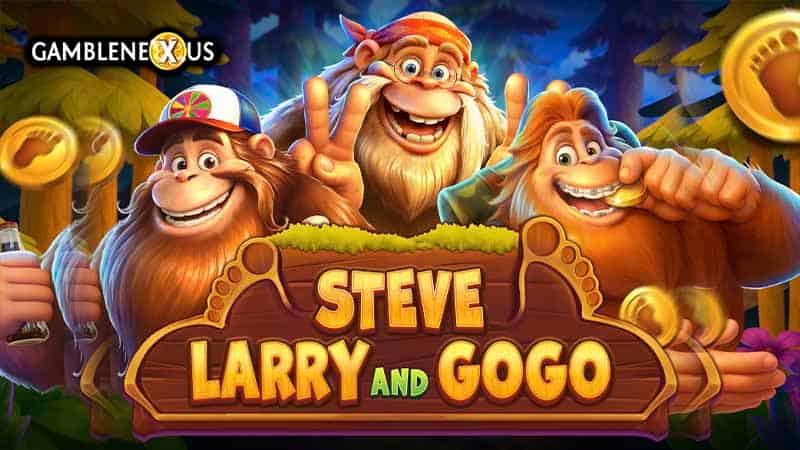
The theoretical Return to Player (RTP) for the game Steve, Larry And Gogo by Red Tiger Gaming is 96.01%. The theoretical Return to Player (RTP) in FREE SPINS mode is 96.02%. The theoretical Return to Player (RTP) in LEGENDYETI SPINS mode is 96.08%. The theoretical Return to Player (RTP) in MYSTERY SPINS mode is 96.17%. The theoretical Return to Player (RTP) in BONUS HUNT mode is 96.15%.
The calculated maximum multiplier in the game Steve, Larry And Gogo is 6039.
Minimum bet: 0.20 Maximum bet: 500
Game Rules
Wild Steve
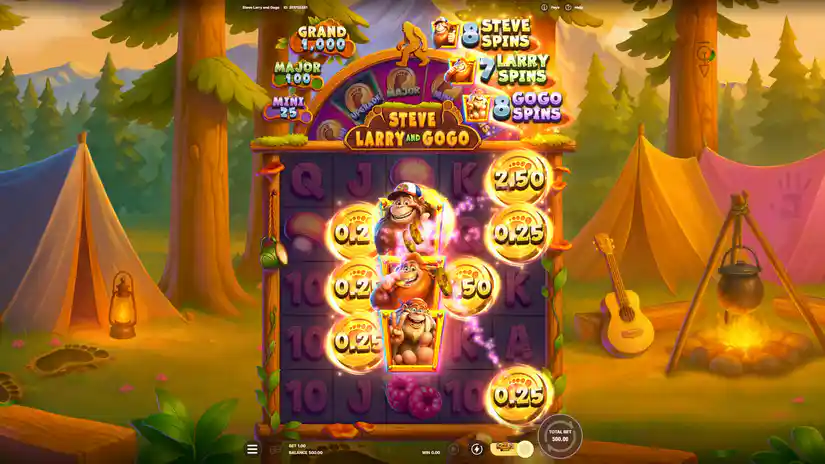
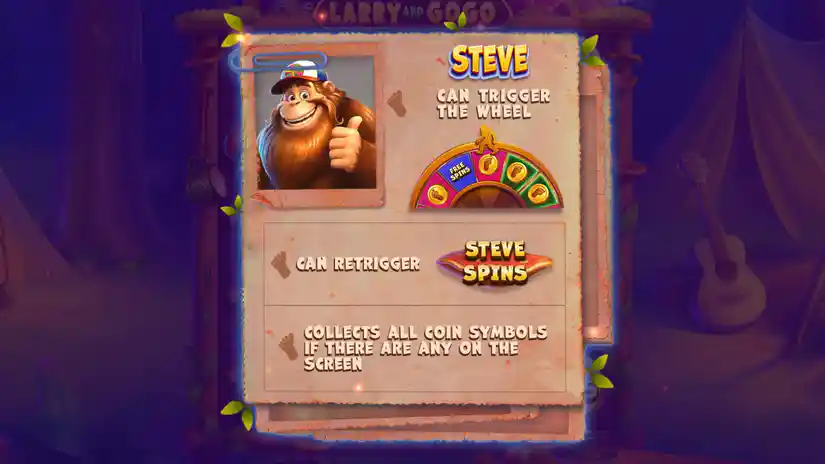
Replaces all paying symbols and collects coin values. Can only land on the 3rd reel, in the 2nd row. Can increase the STEVE SPINS counter by +1 spin, trigger the STEVE SPINS feature, or activate the FOREST FORTUNE WHEEL.
Wild Larry
Replaces all paying symbols and collects coin values. Can only land on the 3rd reel, in the 3rd-row position. It can increase the LARRY SPINS counter by +1 spin, trigger the LARRY SPINS feature, or activate the LUCKY COIN FLIP.
Wild Gogo
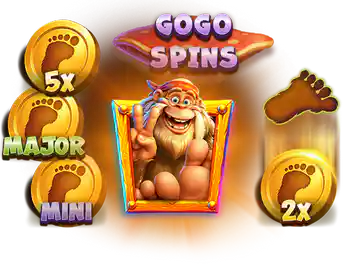
Can substitute for any paying symbols and collect coin values. Appears only on reel 3, in the 4th-row position. Can increase the GOGO SPINS counter by +1 spin, and also trigger the GOGO SPINS or TRACKS TO TREASURE feature.
Forest Fortune Wheel
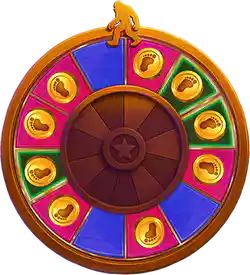
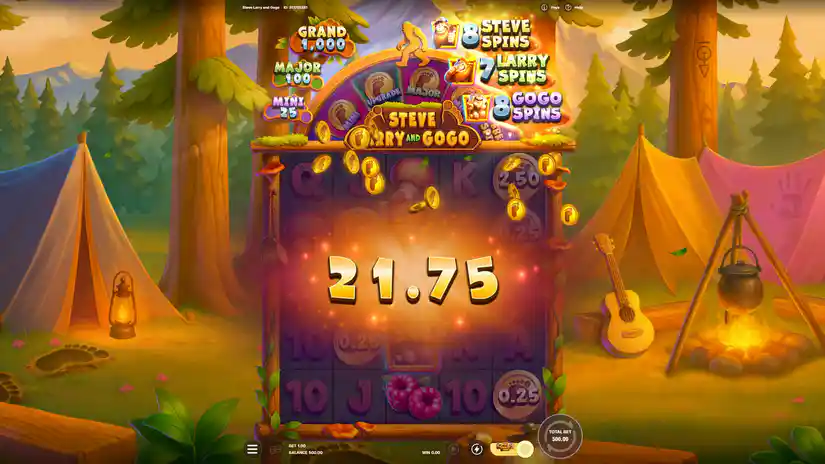
Landing the STEVE symbol can trigger the “FOREST FORTUNE WHEEL” feature. This wheel can award a win equal to the value of any JACKPOT COIN, activate or re-trigger STEVE, LARRY, or GOGO spins, generate new coins, increase the value of existing coins, and boost the size of the jackpot.
Lucky Coin Flip
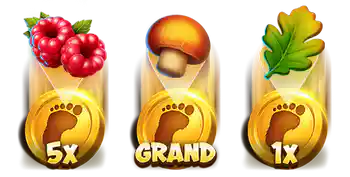
The appearance of Larry (LARRY) can trigger the “Lucky Coin Flip” feature. All raspberry, mushroom, and leaf symbols on the screen will transform into cash values.
Tracks To Treasure
Landing the GOGO symbol can trigger the TRACKS TO TREASURE feature. Any paying symbol can transform into a cash value.
Coin Values
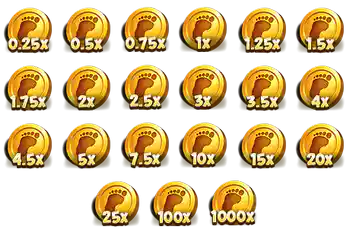
All coin symbols can award INSTANT WINS of 0.25x, 0.5x, 0.75x, 1x, 1.25x, 1.5x, 1.75x, 2x, 2.5x, 3x, 3.5x, 4x, 4.5x, 5x, 7.5x, 10x, 15x, 20x, 25x (MINI), 100x (MAJOR), or 1000x (GRAND) if a STEVE, LARRY, and/or GOGO symbol appears in the same reel area.
Steve Spins
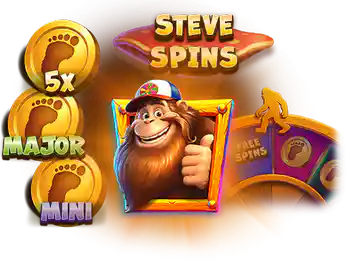
The appearance of the STEVE symbol can trigger the STEVE SPINS feature, which awards between 7 and 14 spins. During STEVE SPINS, the STEVE symbol remains on reel 3 (in the 2nd row) for every spin. Once the free spins conclude, the STEVE SPINS counter resets to 7. The maximum value for the counter is 14 spins.
Larry Spins
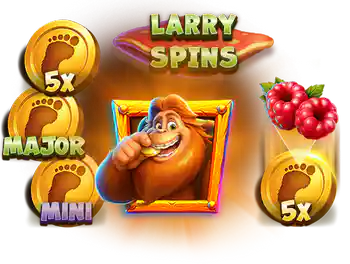
The appearance of the LARRY symbol can trigger the LARRY SPINS feature, which awards between 7 and 14 free spins. During LARRY SPINS, the LARRY symbol remains present on the third reel (in the third-row position) for every spin. Once the free spins conclude, the LARRY SPINS counter resets to 7. The maximum value for the counter is 14 spins.
Gogo Spins
The appearance of the GOGO symbol can trigger the GOGO SPINS feature, which awards between 7 and 14 spins. During GOGO SPINS, the GOGO symbol remains present on reel 3 (in the 4th row position) for every spin. Once the free spins (FREE SPINS) conclude, the GOGO counter resets to 7. The maximum value for the counter is 14 spins.
Legendyeti Spins
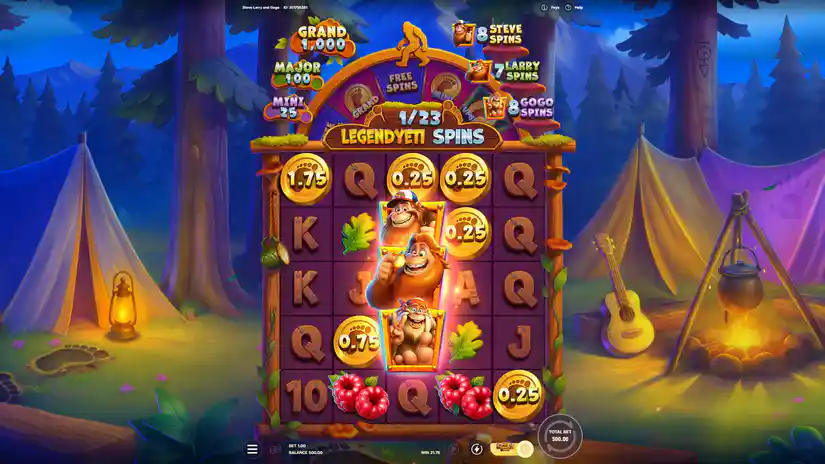
Landing the STEVE, LARRY, and GOGO symbols simultaneously in a single spin can trigger the LEGENDYETI SPINS feature, which awards at least 21 free spins. During LEGENDYETI SPINS, each of the characters (Sasquatches) becomes active: they appear on the 3rd reel, occupying positions across the 2nd, 3rd, and 4th rows. Once the free spins conclude, the counters for each of the three characters reset to 7. The maximum total number of free spins can reach 42.
Game Progress
Any elements of game progress – such as symbols locked on the reels that affect subsequent spins – are saved specifically for the bet level at which the game is being played. Within a single game, different states of progress may exist for different bet levels; you can switch between these states by changing your bet size.
Buy Bonus
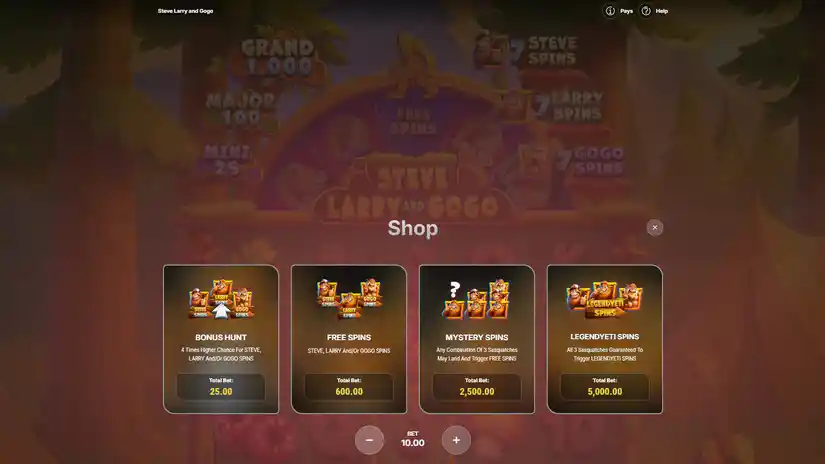
Bonus Hunt. The probability of triggering the STEVE, LARRY, and GOGO SPINS features is 4 times higher.
Free Spins. The appearance of the STEVE, LARRY, and/or GOGO characters is guaranteed, which triggers the corresponding free spins (STEVE SPINS, LARRY SPINS, and/or GOGO SPINS); the number of such spins will fall within the specified range.
Legendyeti Spins. It is guaranteed that all 3 Sasquatches will land on the reels and trigger their corresponding free spins, with the number of spins falling within the specified range.
Mystery Spins. Any combination of 3 Sasquatches can land on the reels and trigger a corresponding series of free spins, with the number of spins falling within the specified range.
Clicking the SHOP button opens a menu of available game options. The cost of each option is displayed within this menu and varies based on the currently selected bet size. Game options function like toggle switches. When you select an option, a confirmation window appears, explaining that the cost of the activated option will be deducted from your balance with every spin for as long as it remains active. Click SPIN to confirm your choice and initiate a spin with the option enabled. Click CANCEL to discard your selection and return to the menu. If you check the “DON’T SHOW AGAIN” box, the confirmation window will no longer appear when you activate game options. When a game option is active, its cost is displayed on the SPIN button within the game interface. Additionally, an “X” icon appears next to the SHOP button. To disable an option, click this icon or open the SHOP menu and deselect the active option.
Pros & Cons
Pros
Buy Free Spins
Extremally high evaluated – 7.0
Design is fine
Max Win – x6039.00
The slot was commended for his quality
€/$0.20 per spin is a starting bet in the Steve, Larry And Gogo
Basic standard of RTP
Cons
High volatility level
Steve, Larry And Gogo Paytable and Symbols
5x3.00
4x1.50
3x0.80
5x1.50
4x1.00
3x0.60
5x1.00
4x0.60
3x0.40
5x0.50
4x0.40
3x0.30
5x0.40
4x0.30
3x0.20
5x0.40
4x0.30
3x0.20
5x0.30
4x0.20
3x0.10
5x0.30
4x0.20
3x0.10
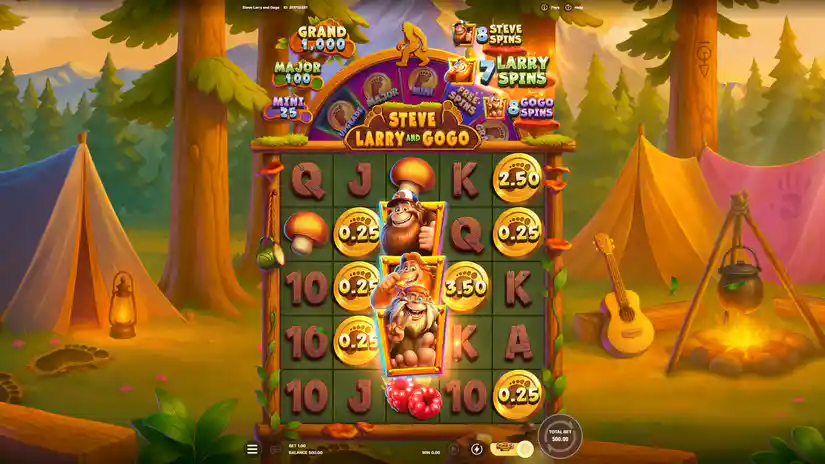
Screenshots of Steve, Larry And Gogo slot
Steve, Larry And Gogo Slot FAQs
❮Can I play Steve, Larry And Gogo free slot?
Definitely, our platform offers the opportunity to enjoy a demo version of Steve, Larry And Gogo without any need for signing up. Moreover, any online casino that collaborates with Red Tiger Gaming would grant users unrestricted entry to the test mode, completely free of charge.
❮Do I need to download anything to play Steve, Larry And Gogo demo slot?
No, you don't need to download anything. You can play the demo version of the Steve, Larry And Gogo slot right on our website.
❮Is it possible to earn real money by playing the Steve, Larry And Gogo slot game?
Totally, you'll need a verified account on a gambling website to engage in Steve, Larry And Gogo with real money and have a chance to score genuine profits.
❮What is the best place to play Steve, Larry And Gogo?
When considering trial sessions of Steve, Larry And Gogo, any reliable casino or gambling platform like Gamblenexus should suffice. But, when real money is involved, it is crucial to opt for a licensed operator with a solid reputation and great services. The ideal casino choice may differ based on individual tastes and preferences.
❮Can I play Steve, Larry And Gogo slot on mobile phone?
Sure, you can enjoy Steve, Larry And Gogo slot on your mobile device! This slot game is perfectly optimized for mobile play, so you can have fun on any gadget you prefer.
❮How to succeed in playing Steve, Larry And Gogo?
This thrilling licensed online slot operates with unpredictable outcomes, and your key to victory lies solely in favorable fortune. Familiarize yourself with the paytable to grasp the various winning possibilities and their respective rewards.
❮Is the demo version of Steve, Larry And Gogo by Red Tiger Gaming the same as the real version?
Yes, the demo version has the same gameplay, graphics, and features as the real version. The only difference is that you can’t win real money in the demo version.