Experience the electrifying atmosphere of a football match in BGaming’s Kicker Mania! Here, scoring goals brings not only glory but also generous multipliers—up to x64. Pick your favorite ball and take your shot at the goal. Will you score on the first try, or will you need a stroke of luck? Give it a go and watch your winnings grow!
The overall theoretical Return to Player (RTP) is 97%.
How to Play Kicker Mania
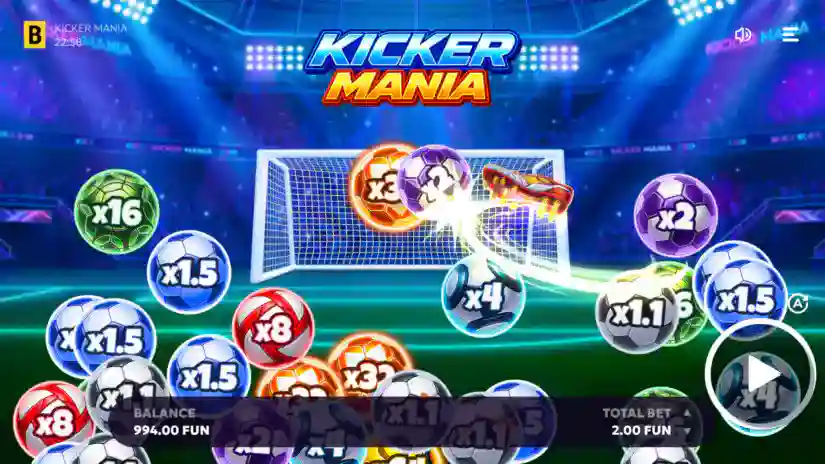
Select your bet size using the buttons in the “Total Bet” field.
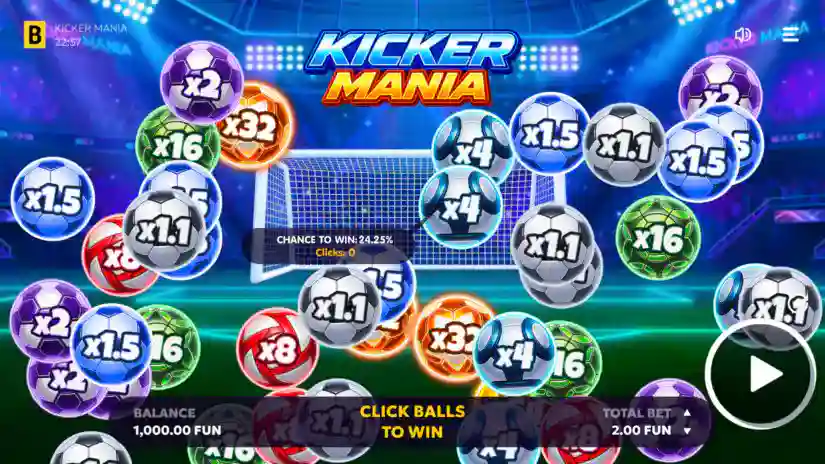
To kick a specific ball, click on it. To kick a random ball, press the “Play” button. If you score a goal, you win. If not, it’s a miss.
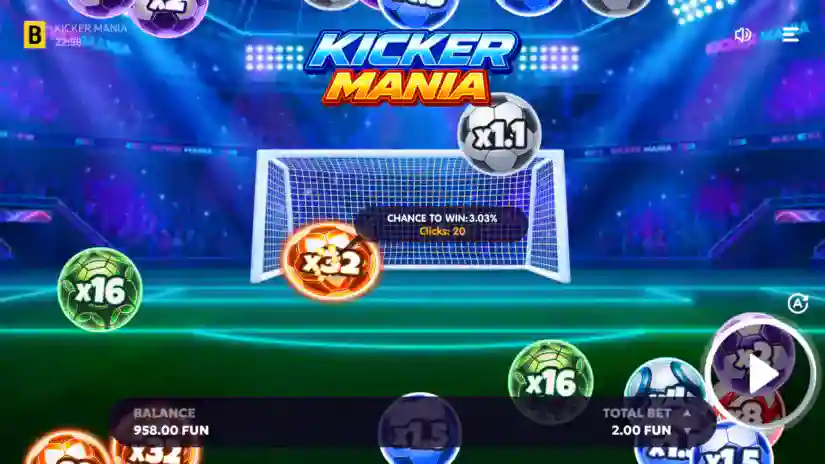
Hovering your cursor over a ball reveals a tooltip showing the probability of winning and the number of clicks made on that ball.
You can activate rapid auto-clicks by pressing and holding the ball.
Please note: all clicks apply only to the current game session and the specific ball selected during play. Clicks are not saved or carried over between sessions. If the game is interrupted, refreshed, or disconnected, all clicks and progress are immediately reset and lost forever. Clicks are tied to a specific ball; if a ball disappears from the screen, any clicks associated with it do not carry over or count toward other balls.
Results
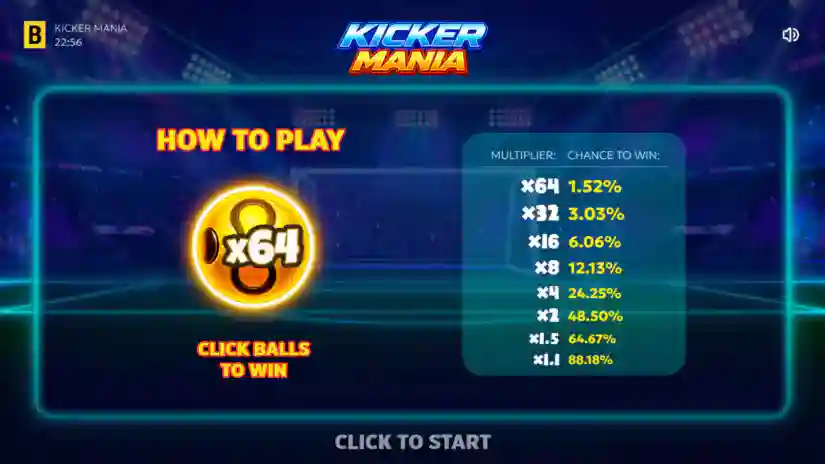
Payouts are made in accordance with the payout table. If you score a goal, the ball multiplier is applied to the bet, and the resulting amount is credited to your balance. If a goal is not scored, the bet amount is deducted from your balance. Ball multipliers and winning odds:
Multiplier
Chance to win
x1.1
88.18%
x1.5
64.67%
x2
48.50%
x4
24.25%
x8
12.13%
x16
6.06%
x32
3.03%
x64
1.52%
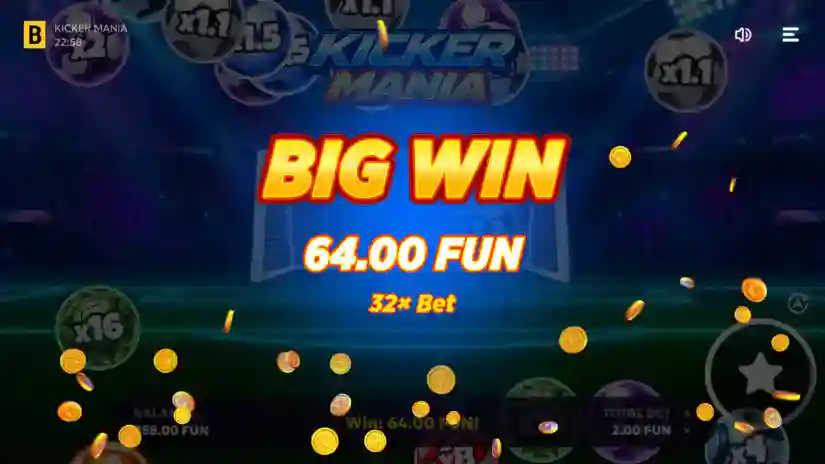
The maximum win is 64 times the bet amount.
Autoplay
The game features an Autoplay mode. Press the Autoplay button to open the mode’s settings. Here, you can select the number of autoplay rounds: choose from the suggested options or enter a custom value in the designated field. You can also set stop conditions:
on any win — autoplay stops after a win occurs;
if a single win exceeds — autoplay stops when the amount of a single win exceeds the value specified in the field;
if the balance increases by — autoplay stops when the current balance increases by the amount specified in the field;
if the balance decreases by — autoplay stops when the current balance decreases by the amount specified in the field.
By pressing the “Advanced” button, you can select the colors of the balls to be used in the game. You can choose one color, several, or all of them. Autoplay begins once you have selected the number of rounds. The Autoplay button displays the number of remaining rounds. To stop autoplay, press the Autoplay button again.
Pros & Cons
Pros
Buy Free Spins
Extremally high evaluated – 7.3
Design is fine
Max Win – x64.00
The slot was commended for his quality
€/$0.10 per spin is a starting bet in the Kicker Mania
Basic standard of RTP
Cons
High volatility level
Kicker Mania Paytable and Symbols
Collect
Collect
Collect
Collect
Collect
Collect
Collect
Collect
Screenshots of Kicker Mania slot
Kicker Mania Slot FAQs
❮Can I play Kicker Mania free slot?
Definitely, our platform offers the opportunity to enjoy a demo version of Kicker Mania without any need for signing up. Moreover, any online casino that collaborates with BGaming would grant users unrestricted entry to the test mode, completely free of charge.
❮Do I need to download anything to play Kicker Mania demo slot?
No, you don't need to download anything. You can play the demo version of the Kicker Mania slot right on our website.
❮Is it possible to earn real money by playing the Kicker Mania slot game?
Totally, you'll need a verified account on a gambling website to engage in Kicker Mania with real money and have a chance to score genuine profits.
❮What is the best place to play Kicker Mania?
When considering trial sessions of Kicker Mania, any reliable casino or gambling platform like Gamblenexus should suffice. But, when real money is involved, it is crucial to opt for a licensed operator with a solid reputation and great services. The ideal casino choice may differ based on individual tastes and preferences.
❮Can I play Kicker Mania slot on mobile phone?
Sure, you can enjoy Kicker Mania slot on your mobile device! This slot game is perfectly optimized for mobile play, so you can have fun on any gadget you prefer.
❮How to succeed in playing Kicker Mania?
This thrilling licensed online slot operates with unpredictable outcomes, and your key to victory lies solely in favorable fortune. Familiarize yourself with the paytable to grasp the various winning possibilities and their respective rewards.
❮Is the demo version of Kicker Mania by BGaming the same as the real version?
Yes, the demo version has the same gameplay, graphics, and features as the real version. The only difference is that you can’t win real money in the demo version.