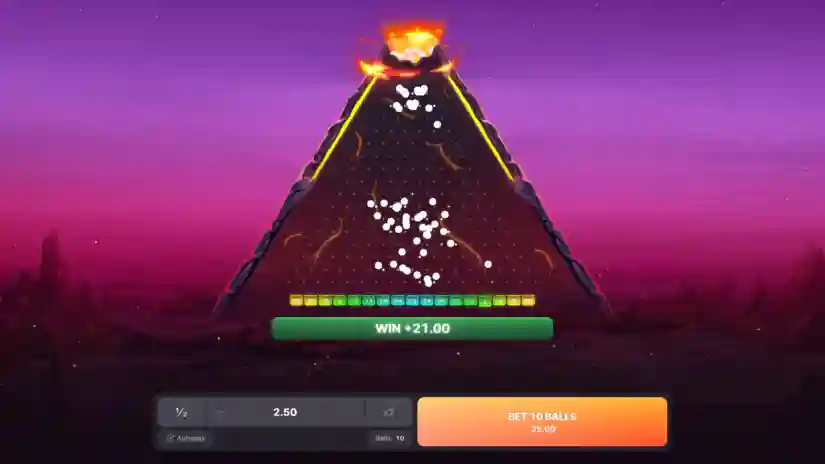
About the Game
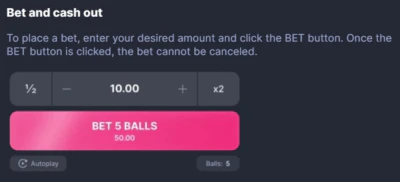
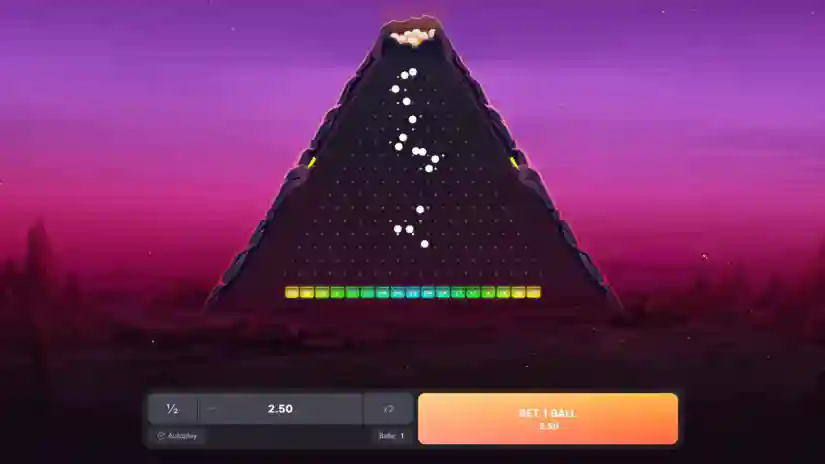
- To play Plinko Pop 2 by Mascot Gaming, you need to set your bet using the bet adjuster.
- Launch The Balls. By Pressing Bet.
- Get Free Balls. By Triggering The Volcano.
Placing a Bet and Withdrawing Funds
To place a bet, enter the desired amount and click the “Place Bet” button. Once the “Place Bet” button is clicked, the bet cannot be cancelled.
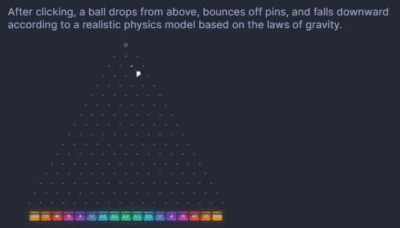
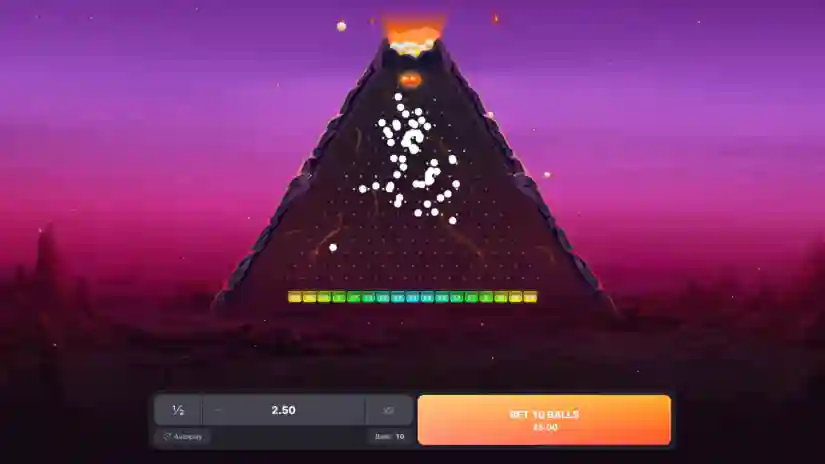
Upon pressing, a ball drops from above; it bounces off the pegs and moves downward according to a realistic physics model based on the laws of gravity.
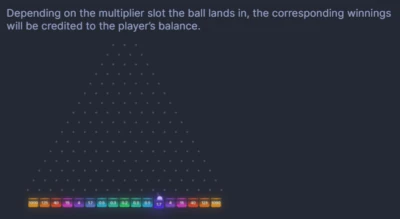
Depending on which multiplier pocket the ball lands in, the corresponding winnings will be credited to the player’s balance.
Play Area Elements
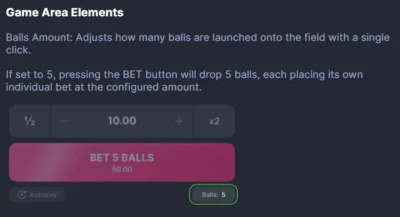
Number of balls: determines how many balls are launched onto the field per click.
If the value is set to 5, pressing the “BET” button will launch 5 balls; each one places a separate bet of the specified amount.
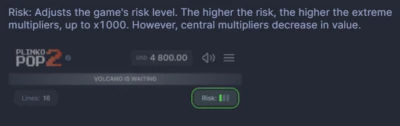
Risk: adjusts the game’s risk level. The higher the risk, the higher the maximum multipliers (up to x1000); however, the multiplier values in the central area decrease.
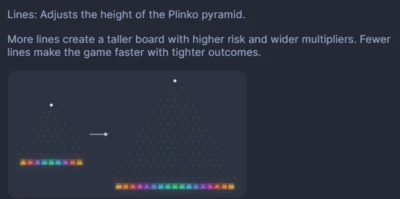
Lines: adjusts the height of the Plinko pyramid.
A higher number of lines increases the height of the game board, raising the risk and expanding the range of multipliers. A lower number of lines speeds up the game and makes the results more predictable.
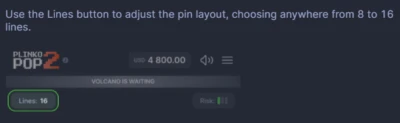
Use the “Lines” button to configure the contact layout by selecting between 8 and 16 lines.
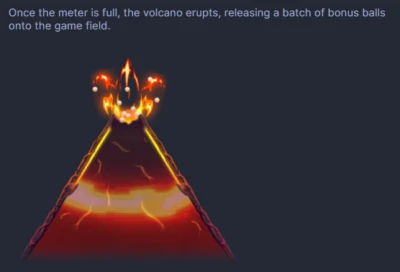
Volcano Meter
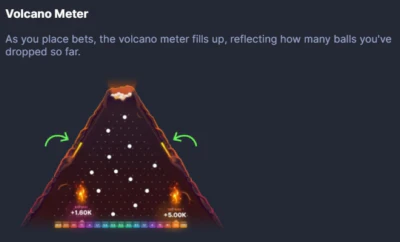
As you place bets, the volcano meter fills up, reflecting the number of balls you have dropped so far.
As soon as the gauge fills up, the volcano erupts, spewing a batch of bonus balls onto the playing field.
Winnings from these bonus balls are credited to your balance just like winnings from regular balls.
The meter resets after every eruption, and as play continues, it begins filling up again.
Autoplay
Press the “Autoplay” button to enable automatic playback.
When Autoplay mode is active, press the START button (which replaces the BET button) to begin automatic play for a set number of rounds.
While Autoplay is running, press the STOP button (which appears in place of the START button) to pause the current series of spins.
Autoplay mode can be disabled while paused by pressing the Autoplay button.
Pros & Cons
Pros
- Buy Free Spins
- Extremally high evaluated – 7.0
- Design is fine
- Max Win – x5000.00
- The slot was commended for his quality
- €/$0.20 per spin is a starting bet in the Plinko Pop 2
- Basic standard of RTP