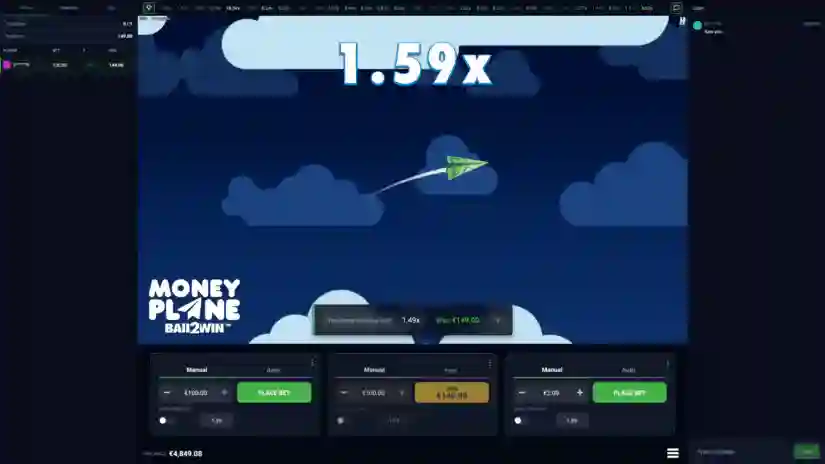
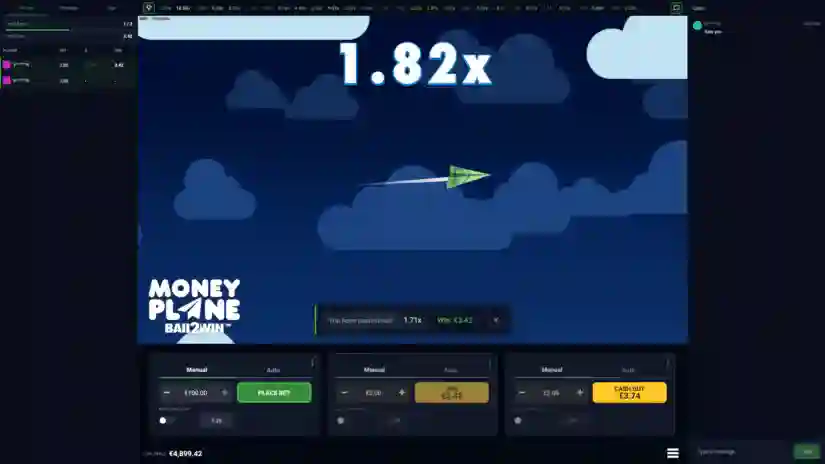
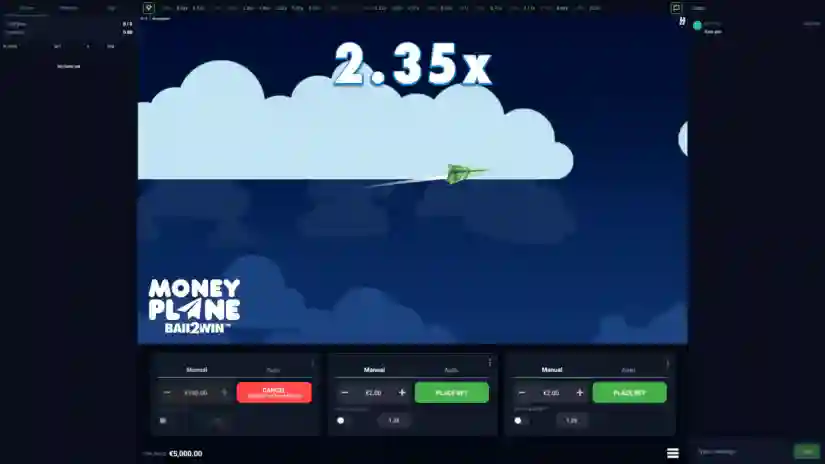
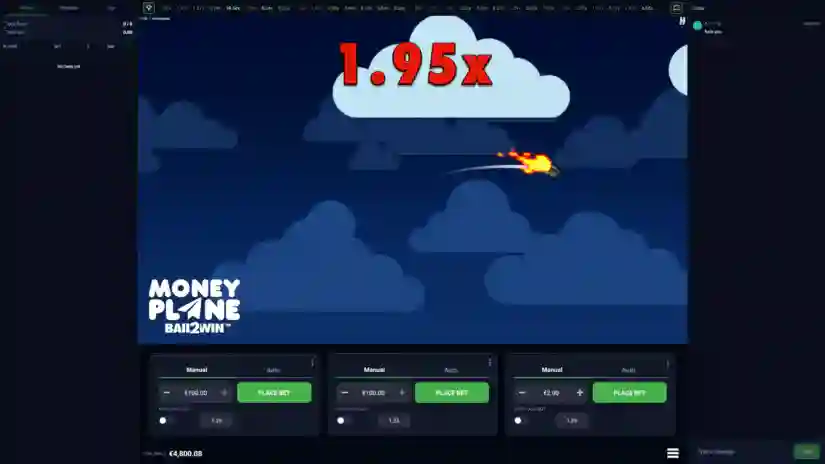
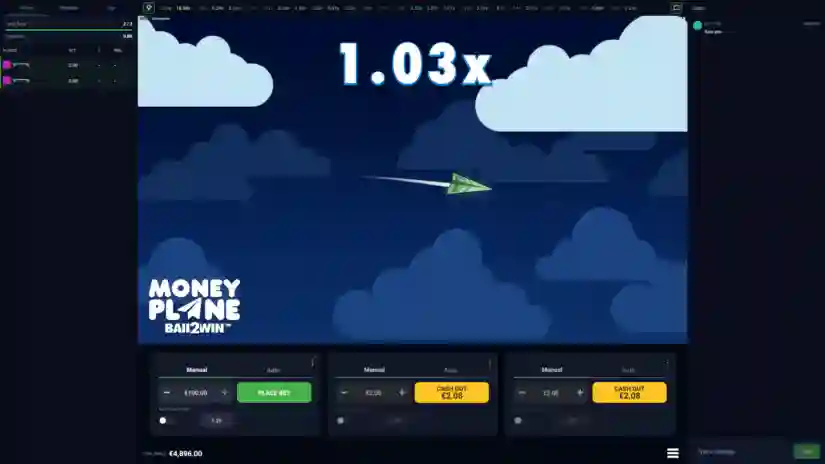
About the Game
How to play MONEYPLANE from Hacksaw Gaming in three easy steps:
01: BET according to your personal strategy before takeoff!
02: WATCH WITH ANTICIPATION as MONEYPLANE soars and the multiplier grows!
03: COLLECT before MONEYPLANE crashes and collect your winnings! The maximum win in this game is 10,000 times your bet!
RTP
This game has an RTP of 97%. The RTP is calculated deterministically using a theoretical probability model. The RTP has been verified by running 10,000,000,000 simulations.
Winnings are calculated as your bet amount multiplied by the payout multiplier, rounded to two decimal places. Slight variations in the game’s RTP are possible depending on the selected bet level and payout multiplier.
Game Functionality
Before each round, a countdown begins. During this time, you can place bets on the upcoming round, cancel pending bets, or stop autoplay. Once a round begins, MONEYPLANE takes off, and no more bets are accepted for that round. During the round, you can place bets on the next round on the betting panels where no bets are currently placed. The win multiplier starts at 1x and steadily increases as the MoneyPlane flies through the sky. At any point during the current round, MONEYPLANE can crash, ending the round.
Game Features
Bet And Collect
Select an amount and click the BET button on the betting panel to place your bet. You can place one bet at a time on each betting panel. You can cancel your bet by clicking the CANCEL button if the round has not yet started. Adjust the bet amount using the ‘+’ and ‘-‘ buttons. You can also enter a value manually.
You can place multiple bets simultaneously by playing on multiple betting panels. To add a betting panel, click the plus icon in the betting panel area. The maximum number of betting panels is 3.
To remove a betting panel, click the three dots in the corner of the panel and select REMOVE. To win, you must withdraw your funds before the round ends by clicking the CLAIM button on the betting panel. The winning amount for each panel is equal to the bet amount multiplied by the multiplier at the time of withdrawal.
Auto Withdrawal
If you want your bet to be automatically withdrawn when a set limit is reached, use the AUTO WITHDRAWAL feature on the corresponding betting panel and set the desired withdrawal multiplier limit. Once the multiplier reaches the set limit, the bet will be automatically withdrawn.
Autoplay
AUTOPLAY is activated in the AUTO tab of the betting panel. Once activated, this bet will be placed automatically. AUTOPLAY does not automatically withdraw the bet unless the AUTO WITHDRAWAL feature is used in conjunction with the AUTOPLAY feature.
Game Interface
Chat. Click the icon to open Chat and communicate with other players in the lobby. Chat is unmoderated. Hacksaw Gaming is not responsible for any player’s use of Chat.
Recent. The bar above the game screen displays the final multiplier for the round from recent rounds.
All Bets. Displays all bets and results of players in your lobby who participated in the current round.
Previous. Displays all bets and results of players in your lobby who participated in the previous round.
Top. Displays the bets and results with the highest winning multiplier over the last 25 rounds in your lobby.
Pros & Cons
Pros
- Buy Free Spins
- Extremally high evaluated – 7.1
- Design is fine
- Max Win – x10000.00
- The slot was commended for his quality
- €/$0.10 per spin is a starting bet in the Moneyplane
- Basic standard of RTP