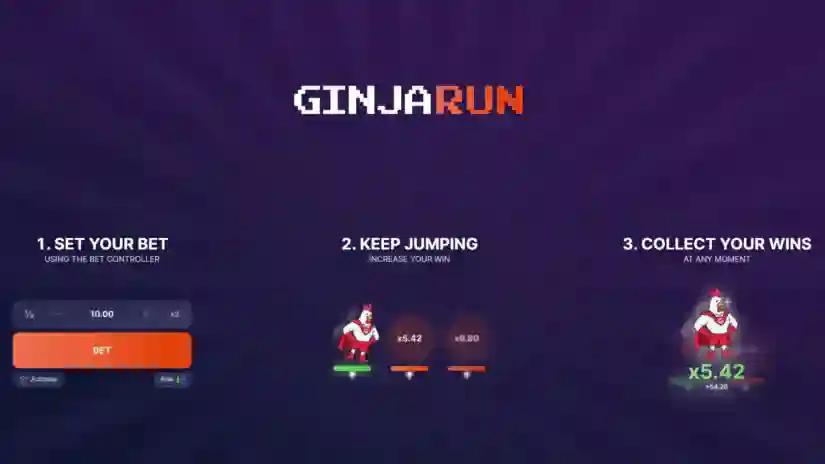
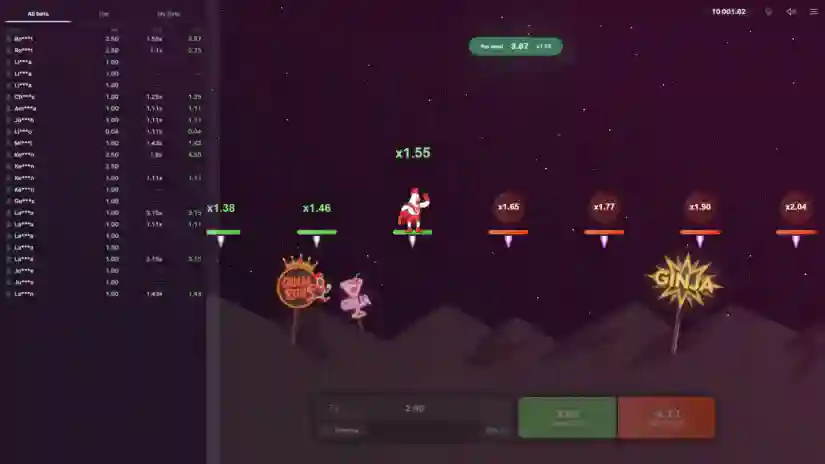
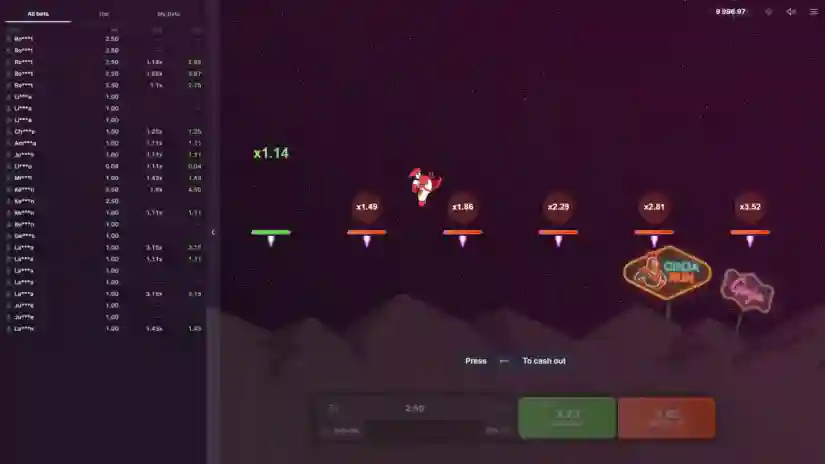
About the Game
- Set your bet. Use the bet controller.
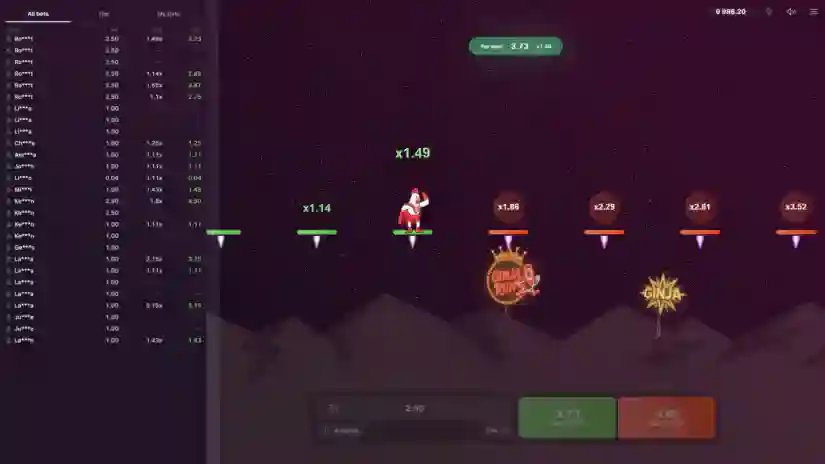
- Keep jumping. Increase your winnings.
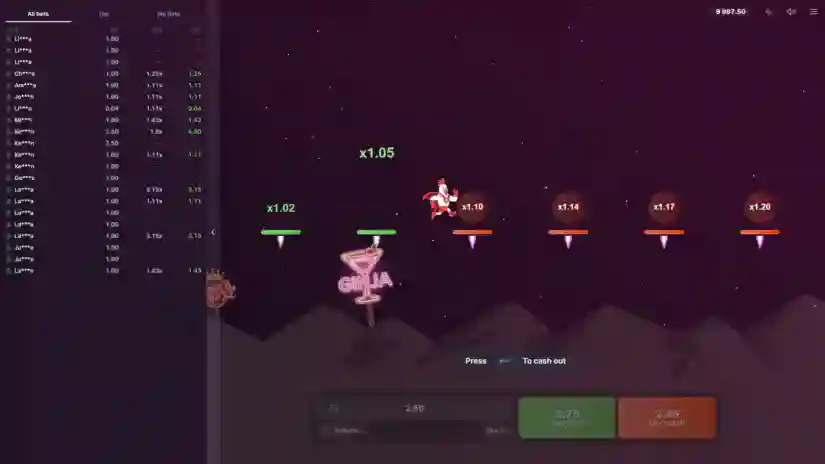
- Claim your winnings. Anytime.
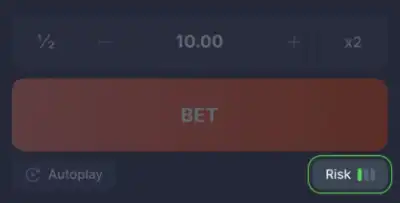
Risk
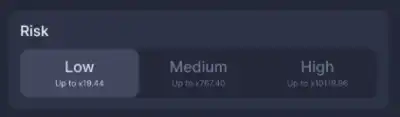
The risk level in Ginja Run by Mascot Gaming affects the multipliers along the chicken’s path. The higher the risk, the higher the multiplier. You can change the risk level in the lower right corner of the betting window.
- Low Risk – 30 lines, maximum multiplier x21.49
- Medium Risk – 25 lines, maximum multiplier x2287.23
- High Risk – 21 lines, maximum multiplier x10000
Bet and cash out
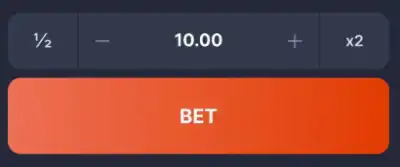
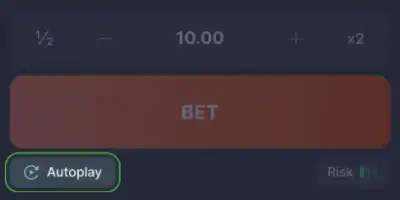
To place a bet, enter the desired amount and click the “BET” button. Once you click the “BET” button, you cannot cancel your bet.
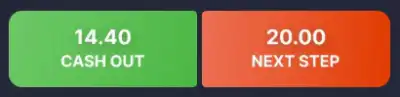
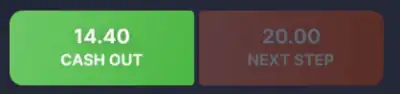
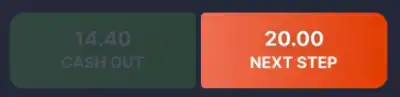
After placing a bet, the BET button will be replaced by two buttons: CASHOUT and FORWARD.
Clicking the Withdraw button will multiply your initial bet by the current multiplier and credit your winnings to your balance.
Pressing the ‘FORWARD’ button causes the chicken to jump to the next platform, increasing the multiplier available for withdrawals.
However, every jump comes with a risk – the chicken might slip and fall, which would result in the loss of the bet.
Fast Mode
You can turn on/off Fast Mode, which essentially speeds up all animations.
Autoplay
You can set up autoplay and auto-withdrawal settings so that the game starts without manual intervention.
Activate the feature by clicking the button at the bottom of the betting window. A modal window will open with autoplay settings:
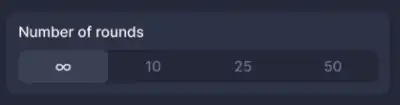
Number of rounds — the number of automatic bets to be placed.
Risk – the risk level to be used during autoplay.
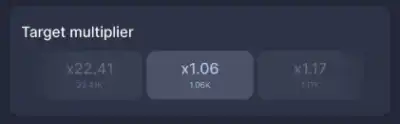
Target multiplier – the multiplier the chicken will try to reach.
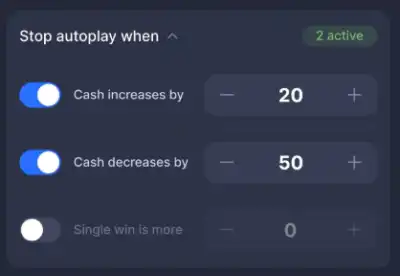
You can also set a stop condition that will automatically end autoplay regardless of the remaining rounds:
“Stop autoplay if balance increases by…” — enter the desired value, and autoplay will stop when your balance increases by the specified amount.
“Stop autoplay if balance decreases by…” — enter the desired value, and autoplay will stop when your balance decreases by the specified amount.
“Stop autoplay if winnings on a single bet exceed…” — enter the desired value, and autoplay will stop when you win a bet equal to or greater than the specified amount.
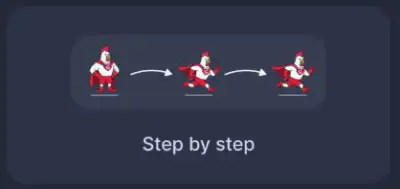
Next, choose one of two autoplay modes:
The chicken jumps step by step from platform to platform, aiming for the target multiplier, pausing briefly between jumps. During these pauses, you can cash out your winnings. After cashing out, the chicken will start jumping again from the beginning.
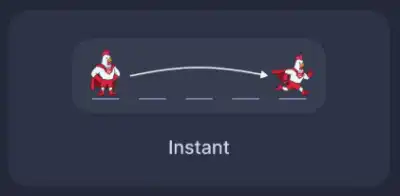
Instant Jump – The chicken will attempt to jump directly to the target multiplier. It may trip and fall before reaching it.
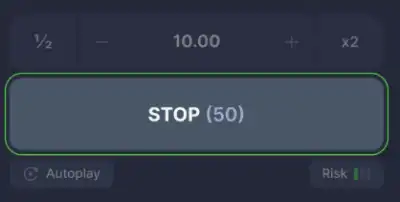
To stop autoplay, press the STOP button. If a bet has already been placed in autoplay mode, you must end the round manually.
Pros & Cons
Pros
- Buy Free Spins
- Extremally high evaluated – 7.0
- Design is fine
- Max Win – x10000.00
- The slot was commended for his quality
- €/$0.20 per spin is a starting bet in the Ginja Run
- Basic standard of RTP