About the Game
- The first thing you need to do in Fly High by Mascot Gaming is place a bet. Select the amount.
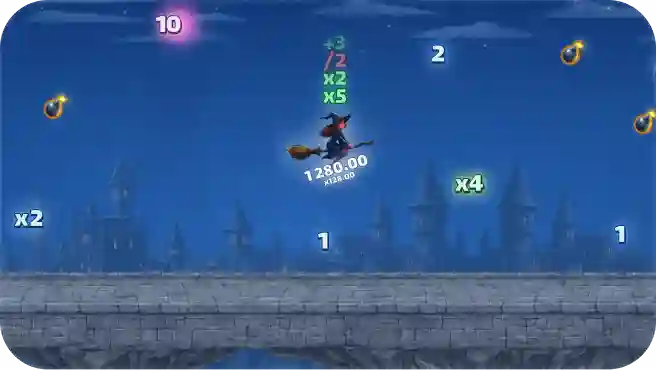
- Collect multipliers and avoid bombs. Land safely to win.
Bonus Buy
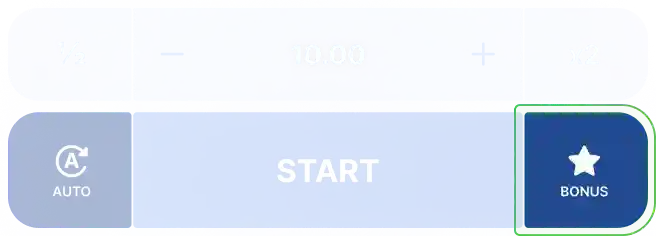
The “Bonus” button is located on the betting controller, to the right of the “BET” button. Clicking it opens a modal window where you can configure the bonus round.
The bonus round guarantees a successful landing—the witch is guaranteed to land on the platform, and all accumulated multipliers will be applied to the final result.
The bonus round is worth 50 times the bet you set in the modal window.
When the Bonus Buy feature is active, the Bonus button is highlighted.
Game Rules
Betting and Withdrawal
To place a bet, enter the desired amount and click the “BET” button. Once you click the “BET” button, you cannot cancel your bet.
When the round begins, the witch takes off and automatically begins flying around the castle.
The outcome of the round is determined without any further player input.
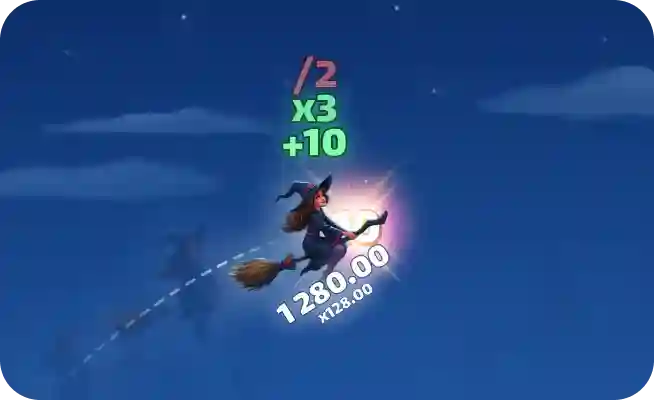
During the flight, the witch can pass through various multipliers and bonuses that are applied to the bet result.
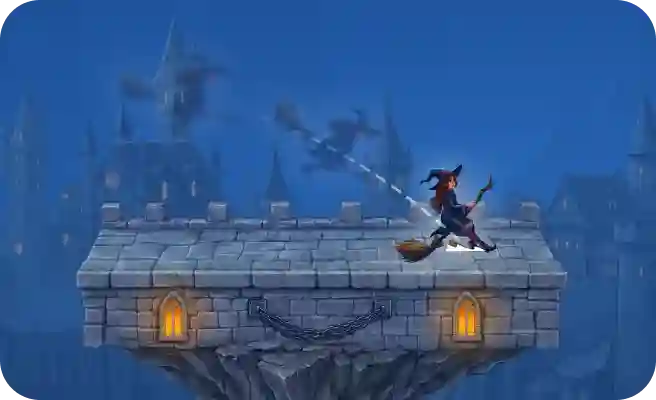
If the Witch lands on a platform, the round is considered a success and all accumulated multipliers are applied to calculate the final payout.
If the witch doesn’t land on the platform, the round ends without any winnings being paid.
All winnings are automatically credited to your balance at the end of the round.
Multipliers
During the flight, the witch may encounter various multipliers that affect the final outcome of the round:
Flat multipliers (+1, +2, +5, +10): add a fixed value to the current multiplier sum.
Multiplier multipliers (x2, x3, x4, x5): multiply the current sum by the corresponding value.
Bomb (x0.5): halves the current multiplier sum.
Special Bonuses
In addition to multipliers, the Witch can collect special bonuses that affect flight:
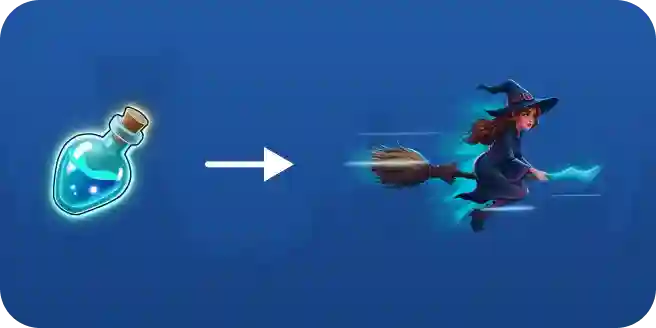
Speed Potion: Significantly increases the Witch’s horizontal speed for a limited time. Bombs are ignored while active.
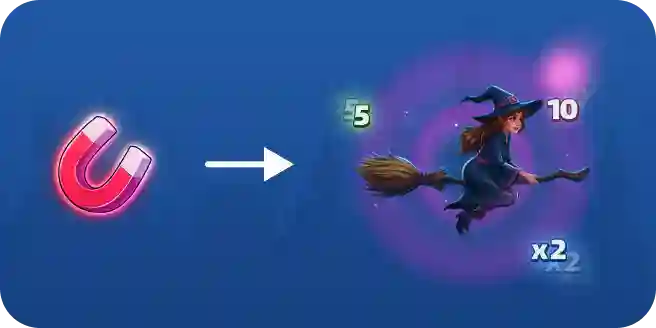
Magnet: Attracts positive multipliers and bonuses located nearby to the Witch for a limited time.
Protective Aura: Saves the Witch from falling off the playing field once per activation.
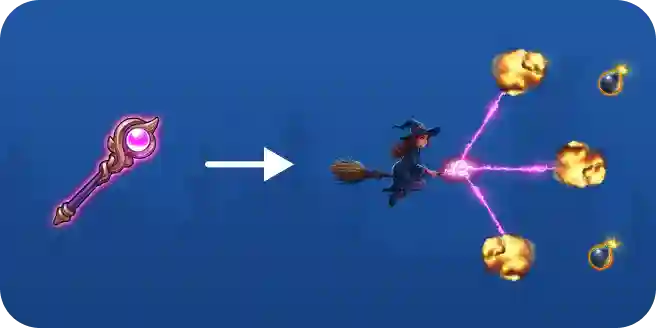
Magic Wand: When activated, destroys all bombs around the witch for a limited time.
Autoplay
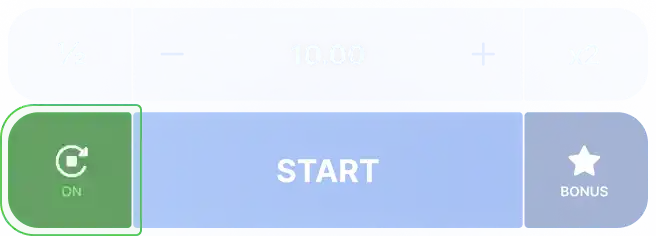
You can enable automatic play by pressing the Autoplay button.
When the autoplay function is active, the button is highlighted.
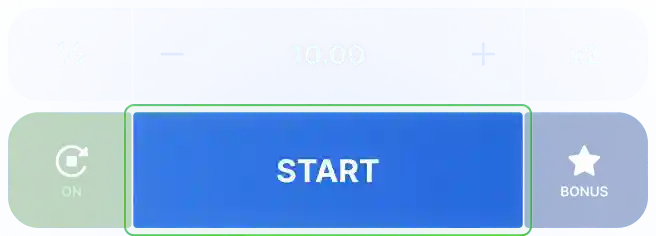
Once Autoplay is enabled, the “BET” button is replaced with the “START” button.
After pressing the “START” button, bets will be placed automatically at the start of each round, without the need for manual entry.
Autoplay will continue placing bets in each round until it is manually disabled.
If a round has already begun, it will continue until it ends.
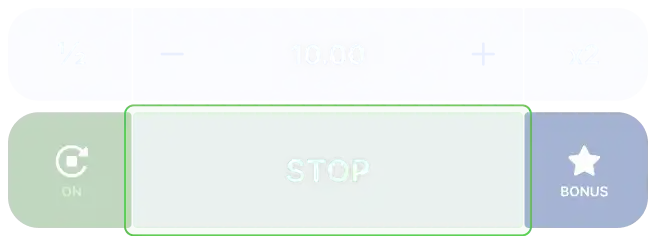
Once autoplay has started, press the STOP button to pause the current sequence – it will appear in place of the BET and START buttons.
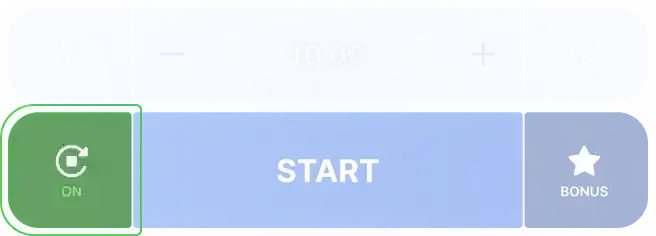
To turn off autoplay, click the autoplay button again.
Game Zone Elements
Game Speed: Allows you to select one of the available animation speed levels. This setting only affects the round display speed and does not change the outcome.
Pros & Cons
Pros
- Buy Free Spins
- Extremally high evaluated – 7.1
- Design is fine
- Max Win – x5000.00
- The slot was commended for his quality
- €/$0.01 per spin is a starting bet in the Fly High
- Basic standard of RTP