About the Game
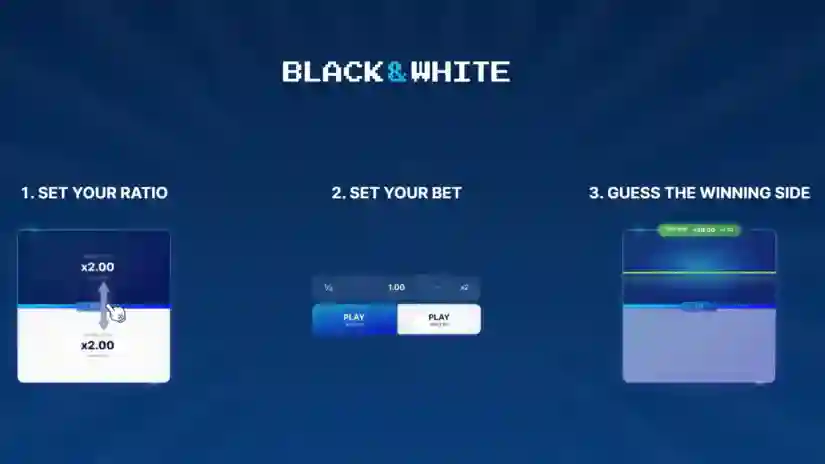
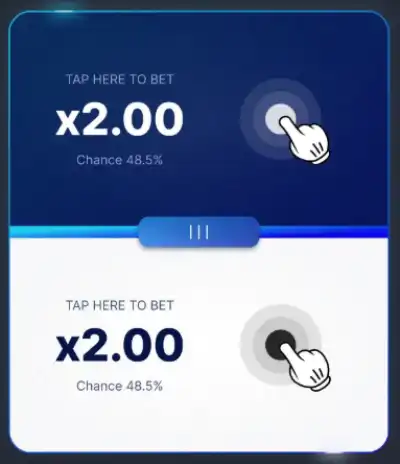
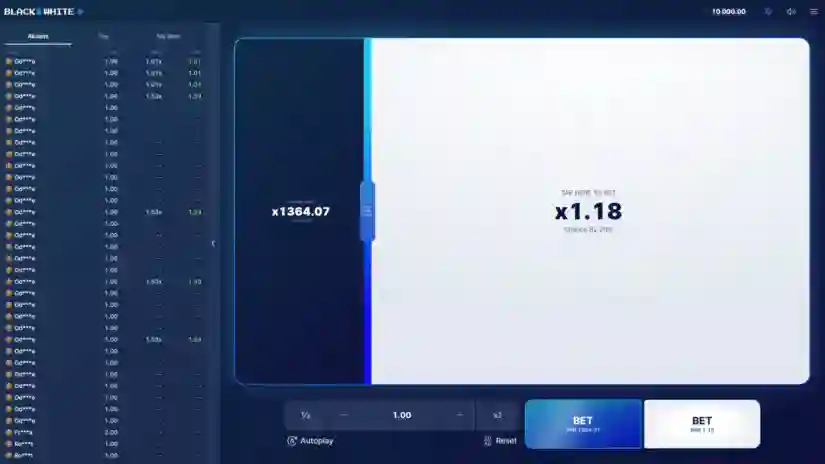
- Set Your Ratio
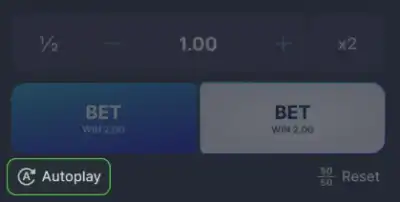
- Set Your Bet
- Guess The Winning Side
Betting and Withdrawal
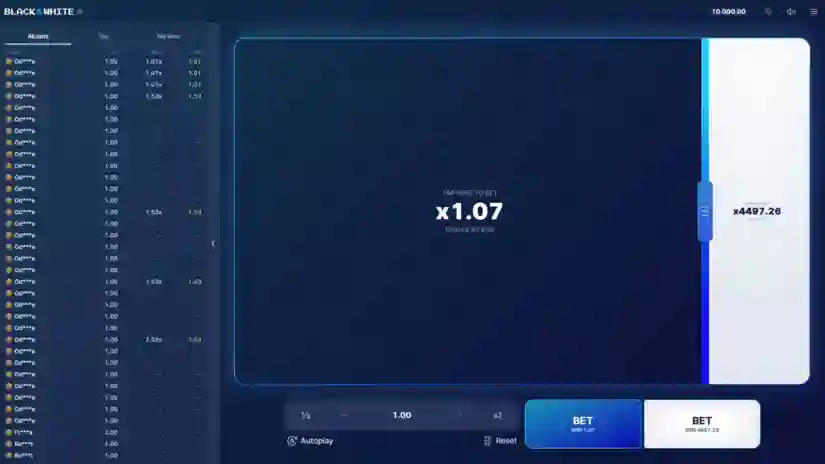
First, you will need to select the range of Black & White from Mascot Gaming that you want to play.
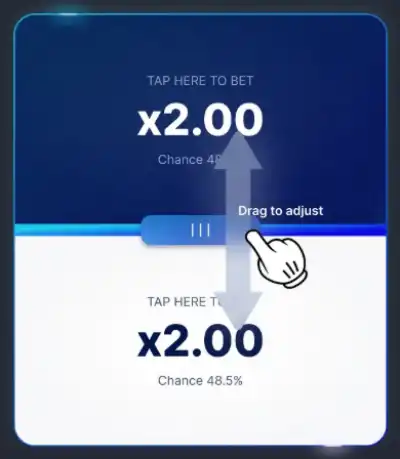
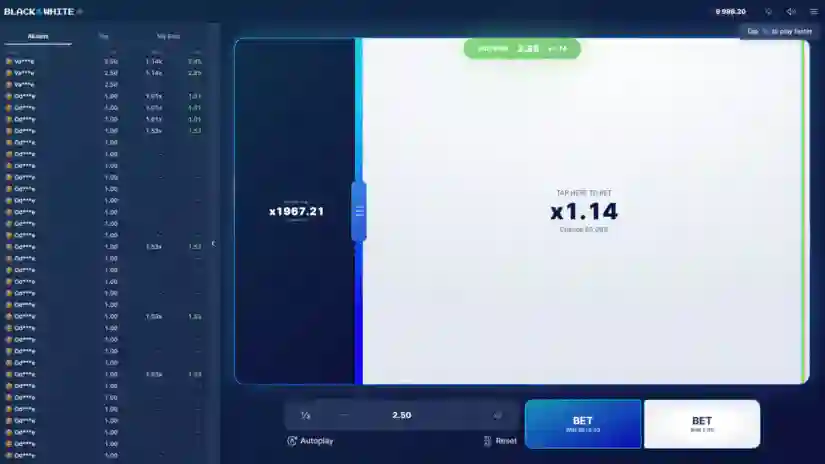
The playing field is divided into two sections, and you can adjust the size of each section using the slider in the middle.
As you change the ratio between them, the multipliers will update accordingly.
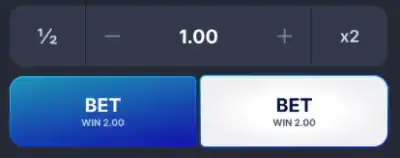
To place a bet, enter the bet amount and click one of the “BET” buttons.
You can also place a bet by tapping directly on one of the fields.
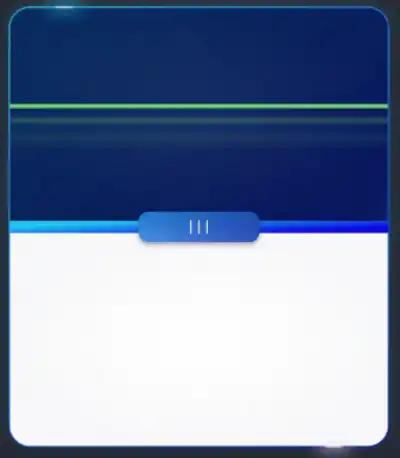
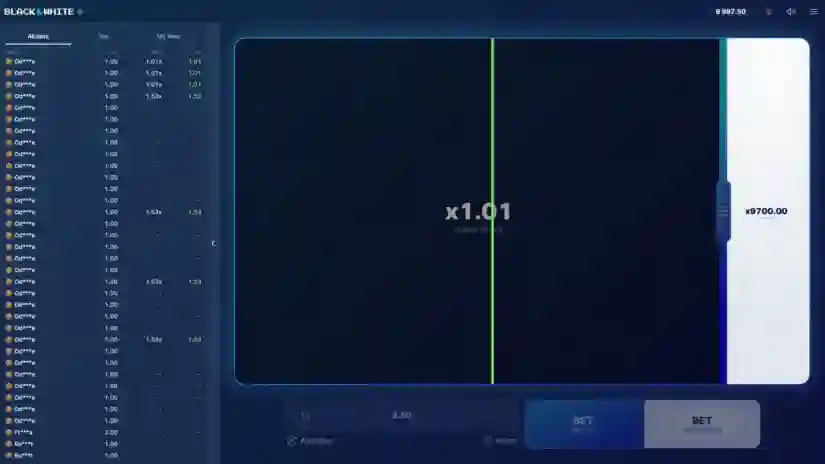
After pressing the “BET” button, the line begins moving across the playing field and stops at a random point. Active bets cannot be canceled.
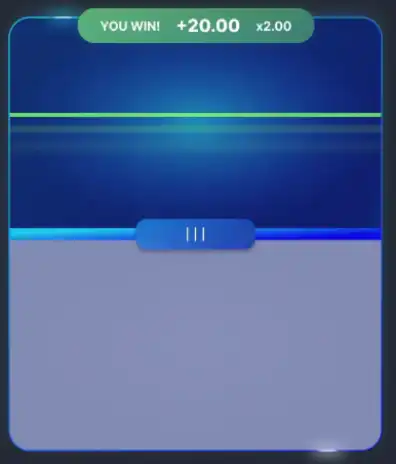
If the line stops within the selected range, the player wins the bet.
If the line stops outside the selected range, the bet is lost.
Fast mode
Enable acceleration mode to speed up all in-game animations.
Autoplay
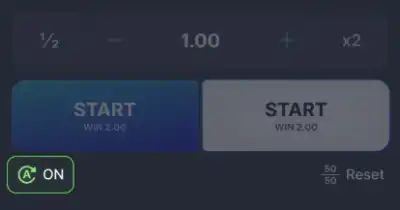
Toggle the switch at the bottom of the betting window to enable autoplay.
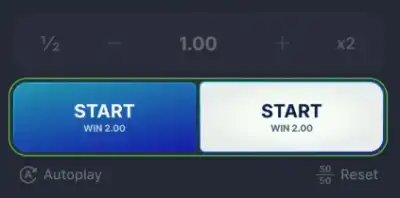
Once the autoplay feature is enabled, the “BET” button is replaced with the “START” button.
After pressing the “START” button, bets will be placed automatically at the beginning of each round, without the need for manual input.
Autoplay will continue placing bets in each round until you manually disable it.
If a round has already started, it will continue until it ends.
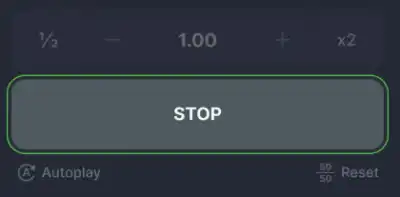
After autoplay starts, press the STOP button to pause the current sequence—it will appear in place of the START buttons.
To turn off automatic betting, simply click the autoplay button.
Betting Table
The table contains several tabs, each displaying different information:
The “All Bets” tab displays the bets made by other players in the current round. It displays the user’s avatar and name, the bet amount, the multiplier at which the bet was cashed out, and the user’s final winnings.
The Top tab displays the biggest wins achieved in this mode during the calendar year.
The My Bets tab displays your bets, including the date and time, bet amount, withdrawal multiplier, and final winnings.
Ranking System
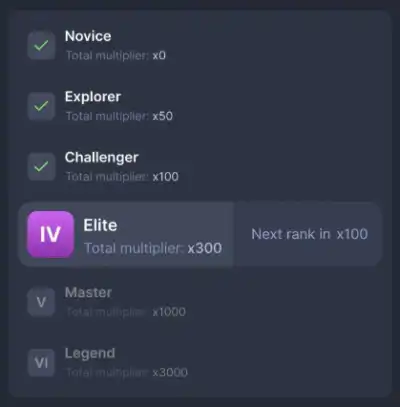
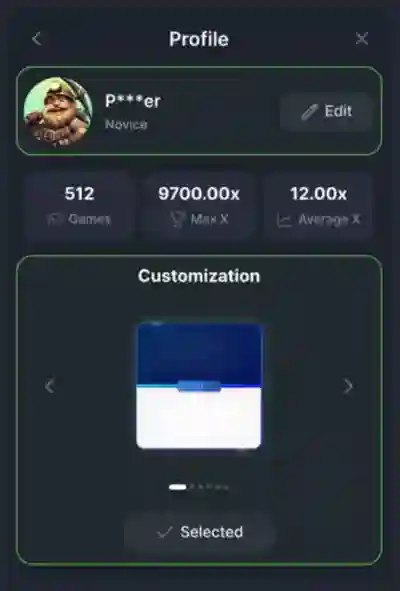
The game features a ranking system that allows you to increase your rank and unlock new customization options, such as color schemes and avatars.
Ranks are increased based on the amount of your bets placed in Black & White during the calendar year.
Only bets placed in Black & White are counted; bets in other Mascot and TTT modes are not considered.
TTT reserves the right to change the amount required to reach a rank, thereby limiting access to existing rewards if a player’s bet amount no longer meets the new rank requirements.
There are six ranks in the game. Up-to-date information on the required amounts and available personalization rewards can be found in the “Profile” tab.
Achieving a new rank unlocks new avatars and color schemes.
Menu
In the upper right corner of the screen is a menu where you can find additional settings and information about the mode:
Profile: A detailed tab with settings, player statistics, and ranking progress.
Sounds and Effects: Adjust the volume and turn music and sound effects on and off.
Rules: A section with a detailed description of the mode.
My Bets: A section with bets made during the calendar year. Includes detailed information on bet amounts, winnings, round results, and more.
Limits: Information on the minimum and maximum possible bets, as well as the maximum possible winnings.
Additional Information
If a player experiences connection issues during an active bet, the bet will be played to its conclusion, and the result will be credited to the player’s balance.
In the event of a draw due to the provider’s fault, bets will be refunded, meaning the bet will be voided and the stake amount will be credited back to the player’s balance.
Pros & Cons
Pros
- Buy Free Spins
- Extremally high evaluated – 7.0
- Design is fine
- Max Win – x5000.00
- The slot was commended for his quality
- €/$0.01 per spin is a starting bet in the Black & White
- Basic standard of RTP