About the Game
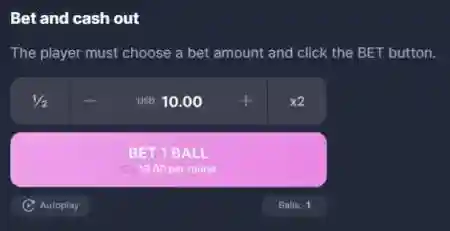
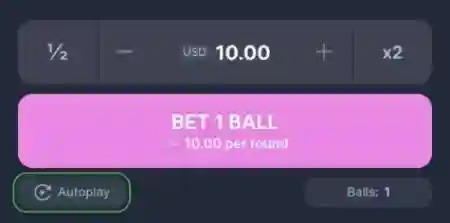
- Place your bet in Mascot Gaming’s Plinko Builder game using the bet controller.
- Launch the balls by pressing bet
- Collect your wins as the balls fall into their spots
Game Rules
Betting and Withdrawal
The player must select the bet amount and click the “BET” button.
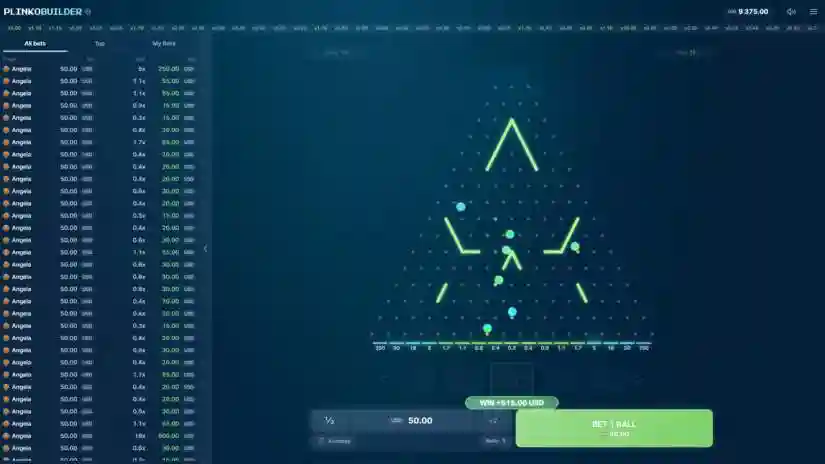
When you press a button, the ball drops from above, bounces off the pins, and falls down according to a realistic physics model based on the laws of gravity.
Depending on which multiplier slot the ball lands in, the corresponding winnings will be credited to the player’s balance.
Playing Area Elements
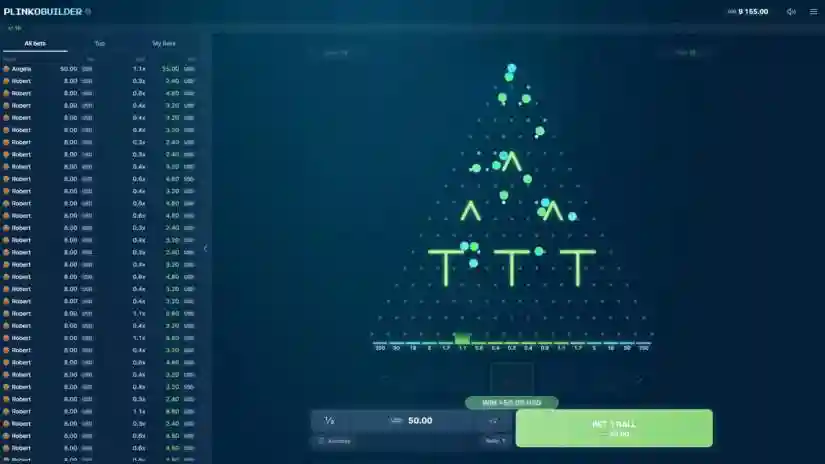
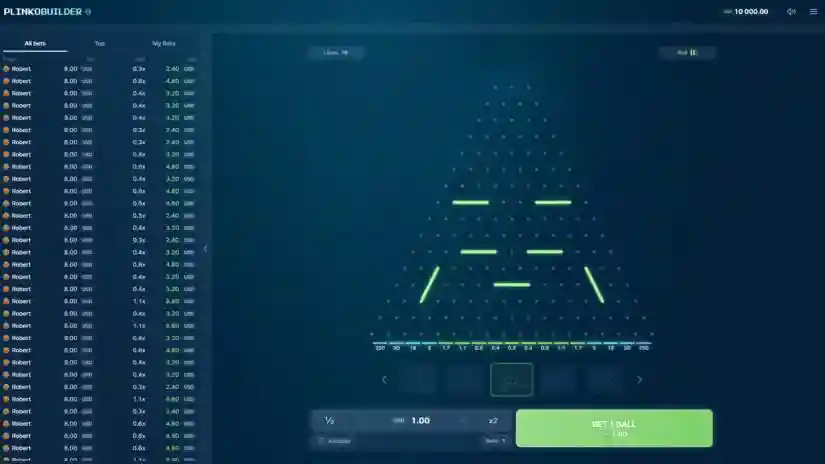
Playing Area Selector: Allows you to switch between different playing area layouts.
In addition to the standard Plinko pyramid, you can select alternative boards using the slider below the playing area.
Each preset mode adds extra lanes and dividers to the standard pins, changing the ball’s flight path and adding variety to the gameplay.
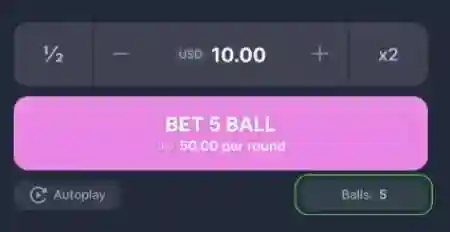
Number of Spins: Adjusts the number of balls launched onto the field with a single click.
If set to 5, pressing the BET button will launch 5 balls, each placing an individual bet of the set amount.
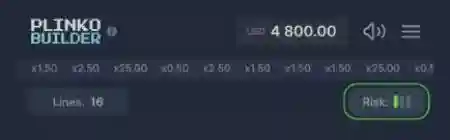
Risk: Adjusts the risk level in the game. The higher the risk, the higher the extreme multipliers, up to x1000. However, the central multipliers decrease.
Lines: Adjusts the height of the Plinko pyramid.
More lines create a higher playing field with higher risk and higher multipliers. Fewer lines speed up the game and make the results more unpredictable.
Use the Lines button to customize the contact layout, choosing from 8 to 16 lines.
Autoplay
Click the Autoplay button to enable automatic playback.
The button will light up when activated and a number will appear next to it showing how many rounds will be played.
You can choose a different number of rounds or choose unlimited play.
You can turn off Autoplay by pressing the Autoplay button again.
When the autoplay feature is activated, press the START button (replacing the BET button) to start the automatic game for the set number of rounds.
Once the autoplay function has started, press the STOP button to turn it off – it will appear instead of the BET and START buttons.
Pros & Cons
Pros
- Buy Free Spins
- Extremally high evaluated – 6.4
- Design is fine
- Max Win – x5000.00
- The slot was commended for his quality
- €/$0.20 per spin is a starting bet in the Plinko Builder
- Basic standard of RTP